


Why Visual LLMs Need a Safety Net
Vision-Language Models (VLMs) are incredible at understanding what’s happening in images and video. They can caption scenes, detect objects, and even add context—like recognizing “a person pouring coffee” instead of just “coffee cup.”
But here’s the catch: raw video is heavy to process and often sensitive. Running a VLM directly on your machine eats up compute, risks crashing unstable code, and can expose your environment to data leaks. That’s not ideal when you want to experiment quickly or run AI pipelines in production.
This is where Daytona comes in.
Daytona sandboxes spin up in under 100ms, run the workload in complete isolation, and shut down just as fast. Nothing from the video or model touches the host environment. You get safety, speed, and flexibility in one shot.
The Workflow: Snap → Sandbox → Summarize
The system I built follows three simple steps:
Snap – Capture or upload a short video and split it into frames.
Sandbox – Pass those frames into an ephemeral Daytona sandbox. Inside, the VLM runs safely without ever touching your local system.
Summarize – The model generates structured insights: objects, actions, and context, all in seconds.
The beauty of this approach is that it feels lightweight and interactive. You don’t need a big GPU cluster or complex setup—just a local VLM running inside a safe environment.
SmolVLM Inside Daytona
For the model, I chose SmolVLM-500M:
Compact (~2B parameters)
Runs on ~5GB GPU memory
Open-source under Apache 2.0
Optimized for speed while still producing strong multimodal results
I served it using llama.cpp inside Daytona. That gave me a fast, interactive pipeline where snapshots flowed in, and textual summaries flowed out, without ever leaving the sandbox.
Tutorial: Hosting a Local VLM with Llama.cpp in Daytona Sandbox
Running Vision-Language Models (VLMs) locally doesn’t have to mean messy installs and clunky configs. With Daytona sandboxes and a lightweight llama.cpp server, you can spin up a fully isolated setup where both your frontend and backend share the same port, while NGINX quietly handles the traffic split in the background.
Step 1: Install Llama.cpp Inside the Sandbox
Start by spinning up a Daytona sandbox. This is your safe, temporary runtime that doesn’t affect your host machine. Inside it, you drop in the llama.cpp server along with your chosen VLM weights (for example, SmolVLM). Once it’s running, the model is accessible inside the sandbox on port 8000.
Step 2: Run Frontend and Backend on the Same Port
Both your frontend (the UI) and your backend (the API layer) can live on port 8000.
Visiting the root address (
/) serves the frontend app.
Hitting the/apipath routes requests to your backend.
This keeps everything tidy and avoids juggling multiple ports.
Step 3: Use NGINX as the Traffic Director
NGINX sits at the front, listening on port 8000. It decides what to do with each request:
Regular requests go to the frontend (your app files).
Requests starting with /api get forwarded to the backend service, which talks to the llama.cpp server.
Step 4: The Full Flow
You open your app in the browser on port 8000.
The frontend loads instantly.
When the app makes an API call (like asking the model to summarize a frame), NGINX routes it to the backend.
The backend queries the llama.cpp server inside the sandbox.
The response flows back to the frontend as structured model output.
A Demo in Action
Here’s what the demo looked like:
A webcam clip gets snapped into frames.
Daytona spins up a sandbox in milliseconds.
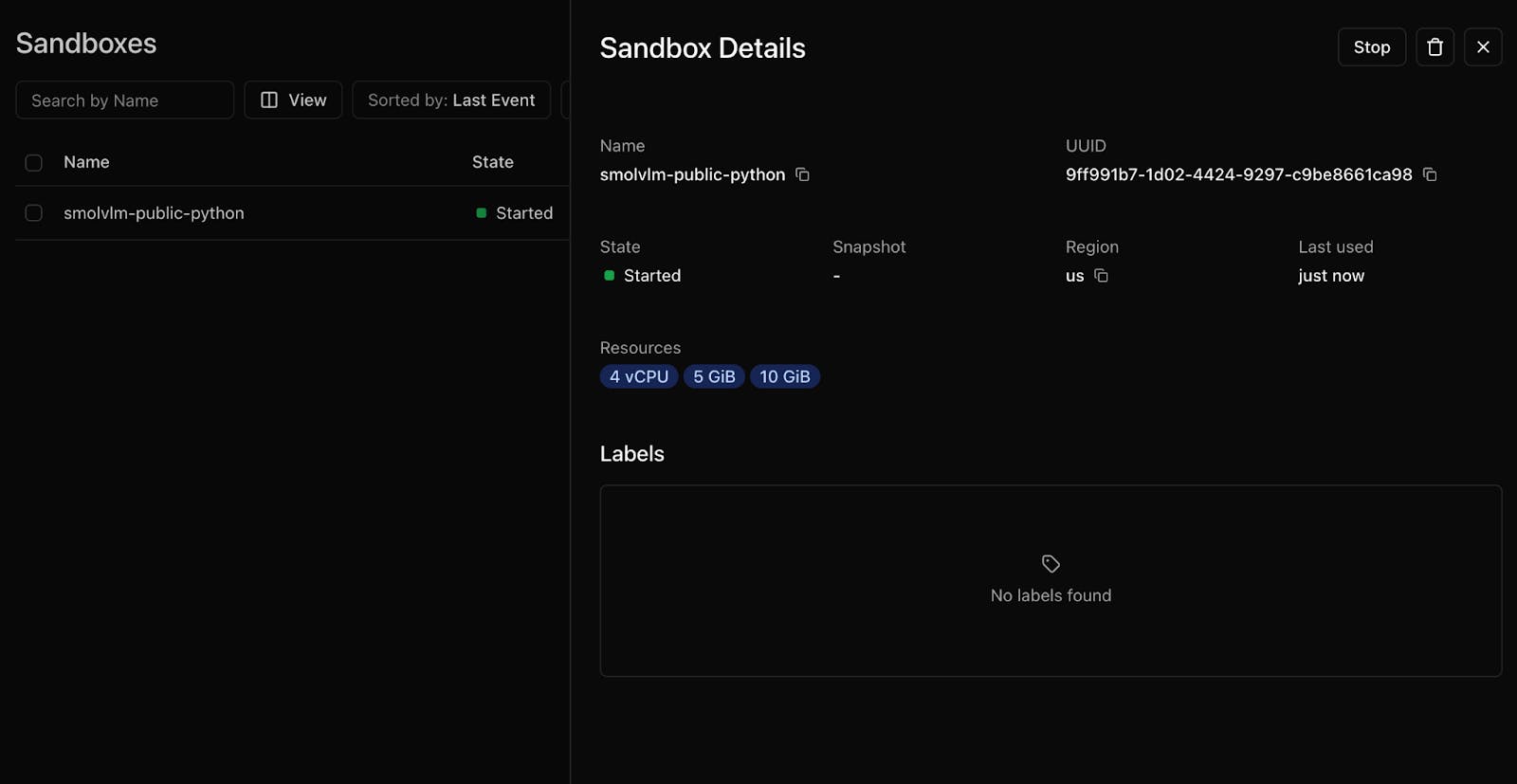
SmolVLM analyzes each frame.
Output:
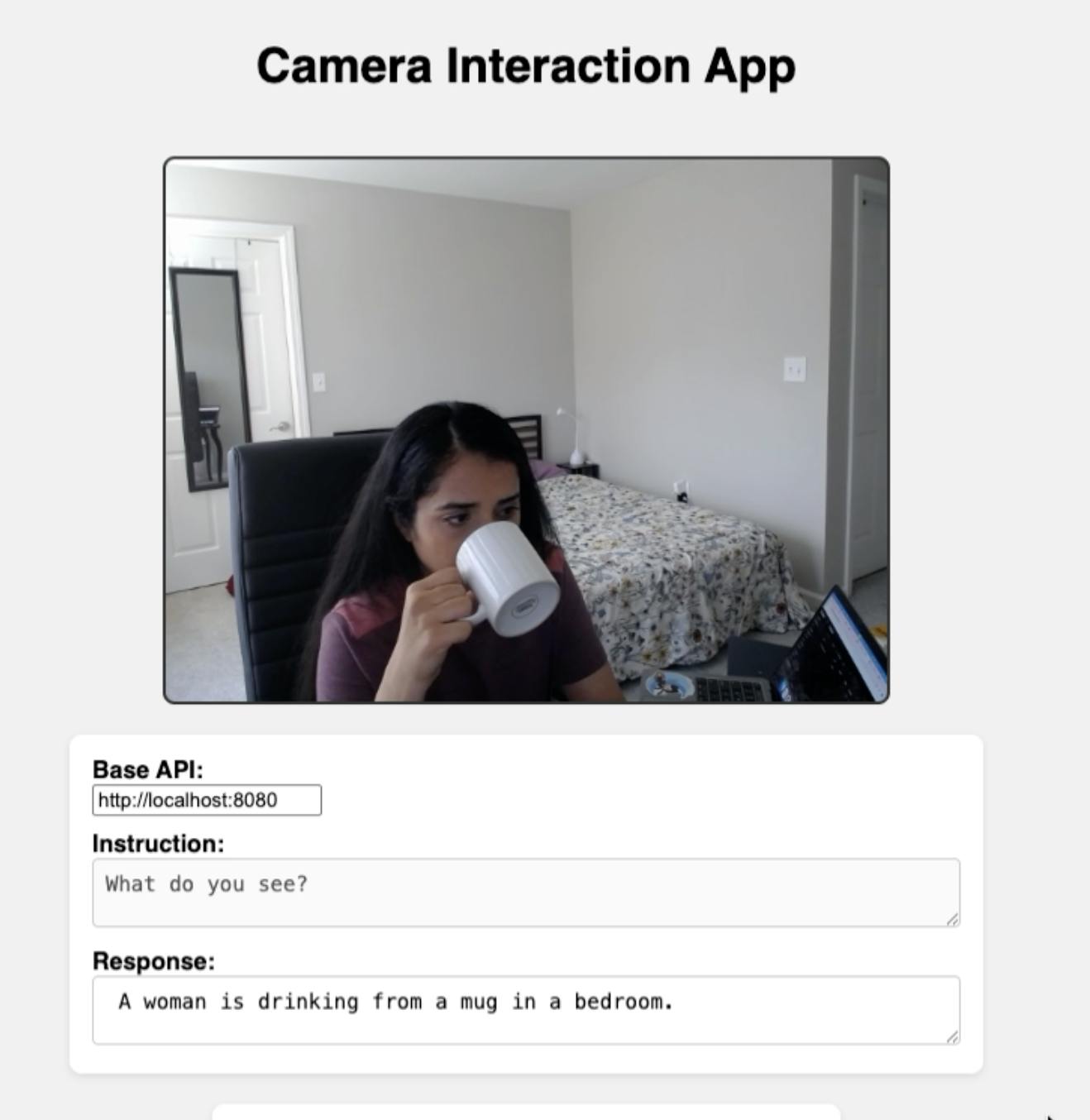
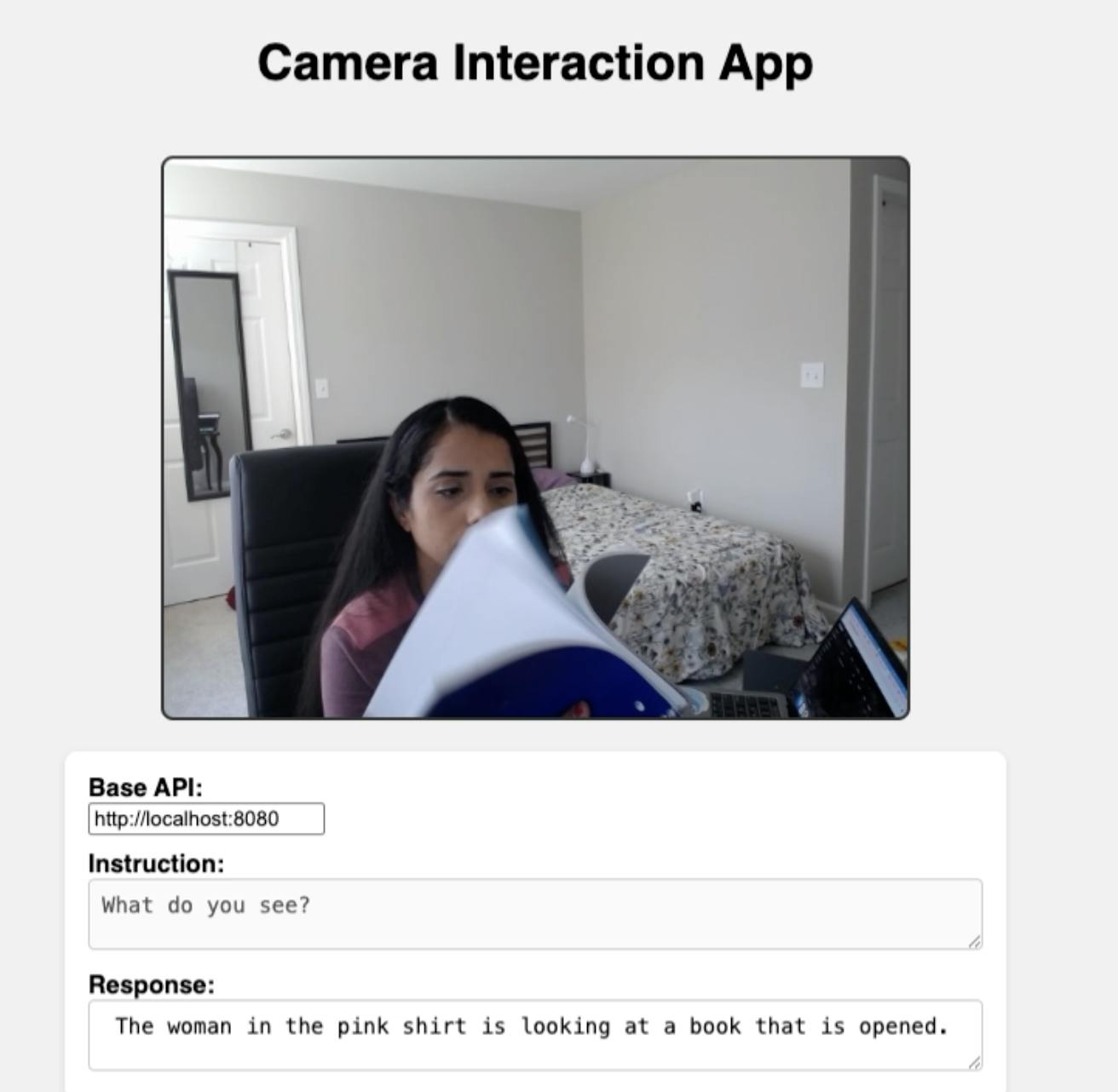
Instead of raw data, you get structured, human-readable summaries ready for downstream use—whether that’s meeting minutes, searchable demo clips, or safety monitoring.
Why This Matters
This setup shows that visual AI doesn’t have to be heavy or risky. By combining compact VLMs with Daytona’s agent-native runtime, you can:
Keep data safe – nothing leaks from the sandbox.
Experiment fast – sandboxes spin up and down in under 100ms.
Build demo-ready pipelines – perfect for meetings, product walkthroughs, or content analysis.
From brand recognition in videos to summarizing user-generated clips, this approach unlocks new use cases without compromising on speed or security.
Takeaway
The formula is simple:
Snap → Sandbox → Summarize.
With Daytona providing the safety net, and models like SmolVLM handling the analysis, running visual LLMs locally is no longer a hassle. It’s practical, interactive, and ready to showcase in real-world scenarios.

